Testing APIs on localhost and docker-compose

Most API work happens before anything is deployed: a service running on localhost:8080, a docker-compose stack with a database and three services, a branch you want to check before you push. Your API client needs to reach those, with the same requests you use against staging.
Which apps can reach localhost
This matters, so up front:
| Where you run it | Can it reach localhost, docker-compose and VPN hosts? |
|---|---|
| Desktop app | Yes, requests are sent from your computer |
| VS Code and JetBrains extensions | Yes |
| CLI and the MCP server for AI agents | Yes |
| The app in a browser | With the Requestarium browser extension. Without it, no: requests go through the Requestarium server, which only reaches public addresses |
For local work, use the desktop app, your IDE or the CLI.
A Local environment
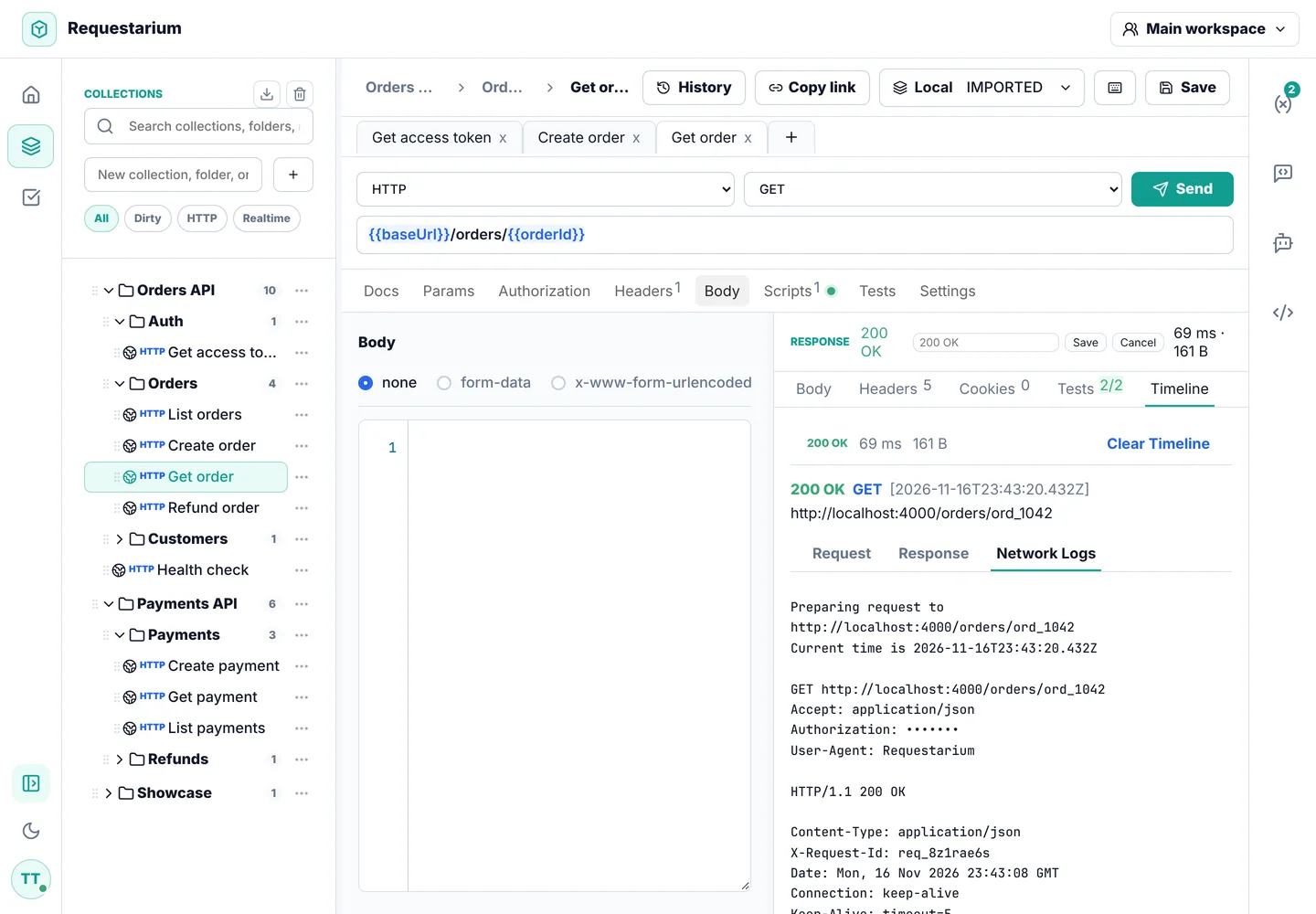
Keep one environment per stage, and make Local point at your machine:
| Variable | Local | Staging |
|---|---|---|
baseUrl | http://127.0.0.1:8080 | https://api-staging.example.com |
apiKey | dev-key | (secret) |
Switch between them in the environment selector; the requests don't change. See How to set up API environments.
Your port isn't my port
The shared Local environment says 8080, but you run the service on 9090. Don't change the shared environment. Override it just for you:
- In the app: load a
.envfile withbaseUrl=http://127.0.0.1:9090. It applies to your session only and isn't synced. - In the CLI:
--var baseUrl=http://127.0.0.1:9090.
docker-compose
From your machine, services in docker-compose are reachable on the ports they publish:
services:
  orders:
    build: .
    ports:
      - "8080:8080"
http://127.0.0.1:8080 reaches orders. Service names like http://orders:8080 only resolve inside the compose network, so they work from another container, not from your desktop app.
Run the collection against a local stack in CI
The same idea makes a solid integration test in CI: start the stack, run the collection, tear it down.
jobs:
  integration:
    runs-on: ubuntu-latest
    steps:
      - uses: actions/checkout@v4
      - run: docker compose up -d --wait
      - uses: actions/setup-node@v4
        with:
          node-version: 22
      - run: npm install -g @requestarium/cli
      - env:
          REQUESTARIUM_TOKEN: ${{ secrets.REQUESTARIUM_TOKEN }}
        run: requestarium run-collection "Orders API" --env Local --junit results.xml
      - if: always()
        run: docker compose logs
--wait makes docker compose up wait for health checks, so the tests don't start before the service is ready. docker compose logs on failure saves you a re-run.
Let an AI agent test your local changes
The Requestarium MCP server runs on your machine too, so an agent like Claude Code or Cursor can run your collection against the service you're editing: "Run the Orders API collection against Local and tell me what broke." See Testing APIs with Claude Code and Cursor.
Self-signed certificates locally
If your local service uses HTTPS with a self-signed certificate, trust its CA with --ca-cert ./local-ca.pem in the CLI, or turn off certificate validation for that request in its Settings tab. Never carry that setting over to staging or production.