Testing the Shopify Admin GraphQL API

Shopify's Admin API is GraphQL-first: products, orders, customers and inventory are all one endpoint away. It's a good API to learn in an API client before writing app code, because you can see exactly what a query costs and how errors come back. And Shopify's GraphQL has two error channels that tests need to check.
Step 1: Store and token
Use a development store from your Shopify Partner account, never a live shop. Create an app in the store's admin with the Admin API scopes you need (read_products and write_products for this guide), install it and copy the Admin API access token.
| Variable | Value |
|---|---|
shop | your-dev-store.myshopify.com |
apiVersion | a current stable version from Shopify's docs, such as 2025-10 |
shopifyToken | the access token, marked as secret |
Shopify doesn't use Authorization: Bearer. On the collection's Authorization tab, choose API key with the header name X-Shopify-Access-Token and the value {{shopifyToken}}.
Step 2: A GraphQL request
Create a request, switch its type to GraphQL, and set the URL:
https://{{shop}}/admin/api/{{apiVersion}}/graphql.jsonIn the Query tab:
query Products($first: Int!) {
  products(first: $first) {
    edges {
      node { id title status totalInventory }
    }
    pageInfo { hasNextPage endCursor }
  }
}
And in Variables:
{"first": 5}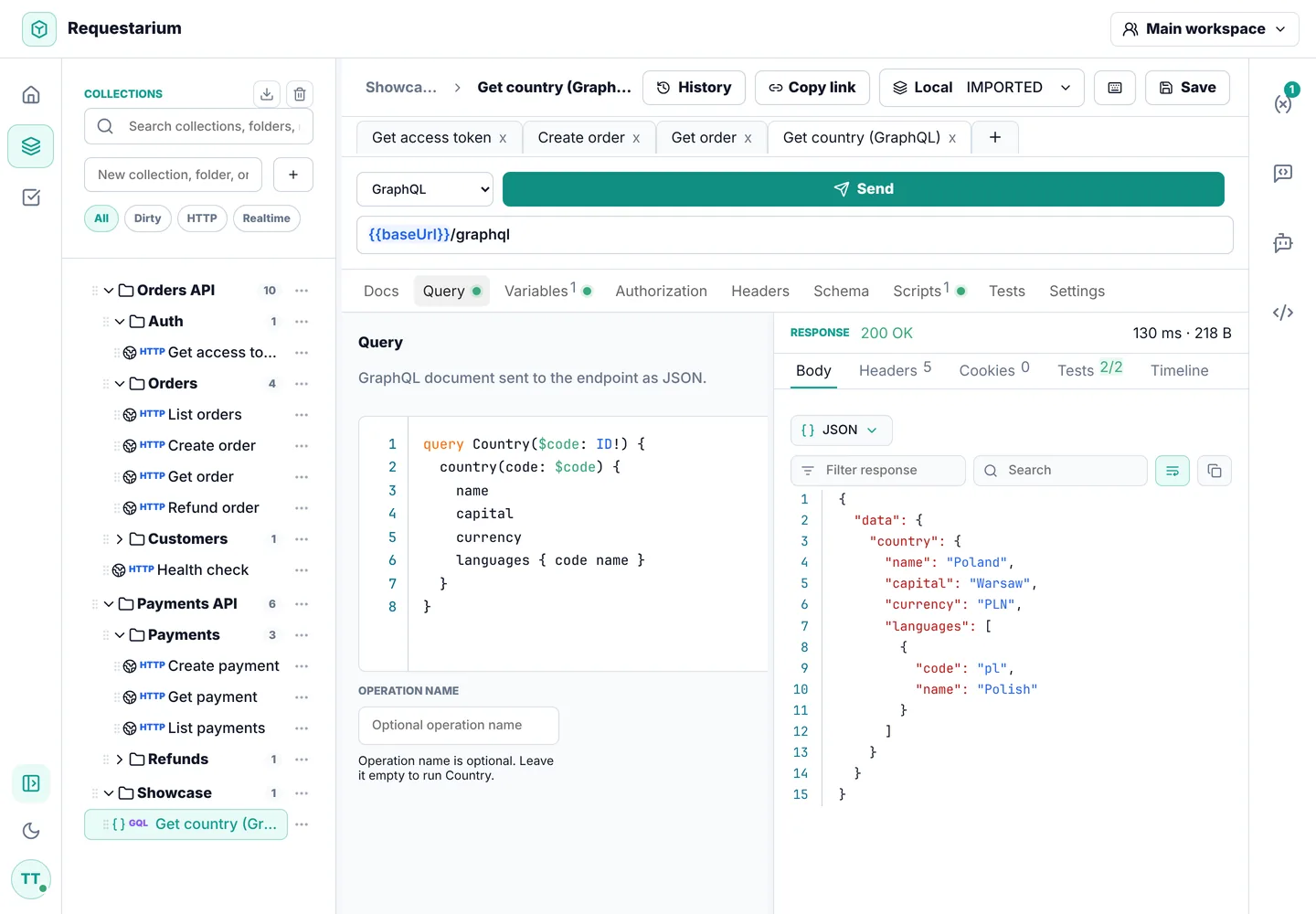
Step 3: Check both kinds of errors
GraphQL answers 200 even for a broken query. Shopify then puts problems in two places:
errorsat the top level: the query itself is wrong (a typo in a field, a missing scope, throttling).userErrorsinside a mutation's result: the query was fine, but Shopify rejected the change (a missing title, an invalid price).
const body = pm.response.json();

pm.test('no GraphQL errors', () => {
  pm.expect(body.errors).to.be.undefined;
});

pm.test('returns products', () => {
  pm.expect(body.data.products.edges).to.be.an('array');
});
Put the errors check in the collection's post-response script, so every request gets it.
Step 4: A mutation and its userErrors
mutation CreateProduct($product: ProductCreateInput!) {
  productCreate(product: $product) {
    product { id title }
    userErrors { field message }
  }
}{"product": {"title": "API test product {{$timestamp}}", "status": "DRAFT"}}const result = pm.response.json().data.productCreate;
pm.test('product created without userErrors', () => {
pm.expect(result.userErrors).to.be.empty;
pm.expect(result.product.id).to.match(/^gid:\/\/shopify\/Product\//);
});
pm.environment.set('productId', result.product.id);Then send the same mutation with an empty title, and check that userErrors names the field. Clean up with productDelete and {"input": {"id": "{{productId}}"}}.
Step 5: Query cost
Shopify rate-limits GraphQL by query cost, not by request count. Each response reports it:
"extensions": {
  "cost": {
    "requestedQueryCost": 12,
    "actualQueryCost": 7,
    "throttleStatus": {"maximumAvailable": 2000, "currentlyAvailable": 1993, "restoreRate": 100}
  }
}pm.test('query is reasonably cheap', () => {
pm.expect(pm.response.json().extensions.cost.requestedQueryCost).to.be.below(100);
});A query that asks for first: 250 products with nested variants and metafields can cost hundreds of points. Testing the cost catches that before it throttles your app in production.
Step 6: Paginate with cursors
Store endCursor and pass it as after in the next request:
const page = pm.response.json().data.products.pageInfo;
pm.environment.set('after', page.hasNextPage ? page.endCursor : '');
More on pagination in How to test API pagination.