API client variables explained: collection, folder, environment and local values

{{baseUrl}} looks simple until it resolves to the wrong value. Was it the collection variable, the folder variable, the environment, a value a script set two requests ago, or a .env file someone loaded? This post explains where variables come from in Requestarium, which one wins, and how to lay them out so you never have to guess.
The layers
From the most general to the most specific:
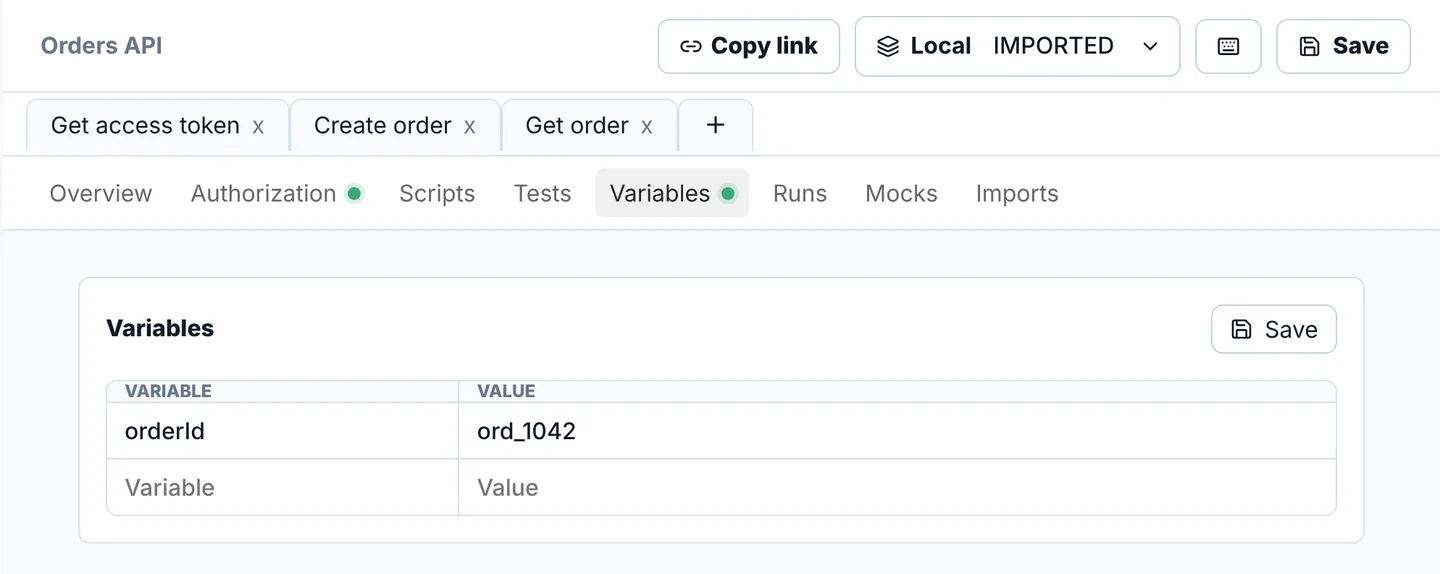
- Collection variables. Defaults for every request in a collection. Good for values that are the same everywhere, like an API version (
v2) or a path prefix. - Folder variables. Override the collection for one part of the API. A
Billingfolder might set its ownservicePath. - The selected environment. Values per stage:
Local,Staging,Production. This is where hosts and credentials live. - A local
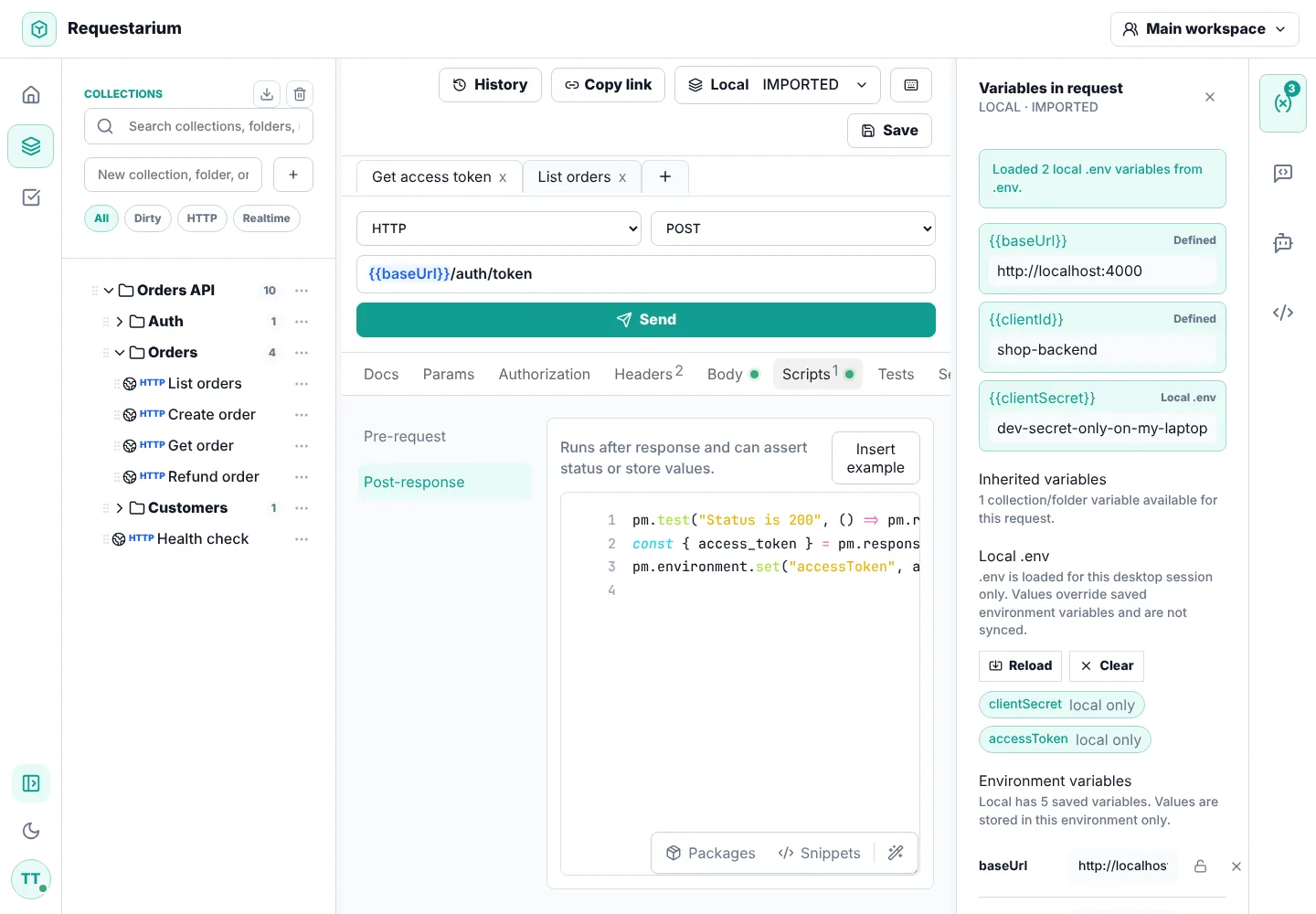
.envfile, if you loaded one. Values for this session only, never synced, overriding the saved environment. Ideal for personal secrets. - Values set by scripts.
pm.environment.set('token', …)in a post-response script makes{{token}}available to the requests after it.
On top of that, there are dynamic variables such as {{$guid}} that generate a value each time.
Which one wins
The resolution order is:
- Collection and folder variables provide inherited defaults. The nearest folder wins over the collection.
- The selected environment overrides matching keys.
- A loaded
.envfile overrides the environment. - Pre-request scripts can change values right before the request is sent.
- Post-response scripts can store values for later requests.
You don't have to work it out by hand
Open a request's Variables panel. It lists every variable the request uses, whether it's defined, a preview of its value, and where that value comes from: inherited (collection or folder), environment, global or built-in. A variable that isn't defined anywhere is flagged before you send.
In a script, pm.variables.get(name) returns the merged value, the same one the request will use. pm.environment.get(name) reads only the environment.
A layout that scales
For a team with several APIs and stages:
| Where | What | Example |
|---|---|---|
| Environment group | One per API or product area | Payments |
| Environment | One per stage, inside the group | Local, Staging, Production |
| Environment variables | Hosts, credentials, tenant IDs | baseUrl, apiKey (secret), tenantId |
| Collection variables | Constants and defaults | apiVersion=v2, pageSize=20 |
| Folder variables | Overrides for one area | servicePath=/billing |
.env file | Personal secrets, production tokens | token=… |
An environment group can declare the variable keys its environments are expected to have, so when someone adds Production, they can see that apiKey is still empty.
Common mistakes
| Symptom | Usual cause |
|---|---|
{{host}} is sent literally | No environment selected, or the key is missing from it |
| A request hits staging while "Production" is selected | A collection or folder variable with the same name, and no environment value overriding it. Check the Variables panel |
| Works in the app, fails in the CLI | A value set by a script during manual testing; in a collection run each iteration starts fresh |
| A teammate's request uses your token | The token was saved to a shared environment. Use a .env file or a script-set value instead |
In the CLI
The CLI uses the same layers, plus command-line overrides. Later sources win:
requestarium run-collection "Payments API" --env Staging \
  --env-file .env \
  --env-var apiKey=CI_PAYMENTS_KEY \
--var pageSize=5--env-file, then --env-var, then --var. A data file row (--data) sits between the environment and --var.