Dynamic variables reference: $guid, $timestamp, $randomEmail and more

Tests that send the same body twice tend to collide: "email already exists", "duplicate key", "idempotency key reused". Dynamic variables solve that without a script. Put {{$randomEmail}} in a body and every send gets a new address.
Requestarium has 118 built-in dynamic variables, with the same names Postman uses, so requests and collections you import keep working.
How to use them
Anywhere a normal {{variable}} works: the URL, headers, query parameters and the body.
{
  "id": "{{$randomUUID}}",
  "email": "{{$randomEmail}}",
  "name": "{{$randomFullName}}",
  "createdAt": "{{$isoTimestamp}}"
}
Each occurrence gets its own value when the request is sent. If you need the same generated value in two places, generate it once in a pre-request script and store it:
pm.environment.set('email', pm.variables.replaceIn('{{$randomEmail}}'));Then use {{email}} in both places, and check it in a test after the response.
The ones you'll use most
| Variable | Example |
|---|---|
{{$guid}} | 611c2e81-2ccb-42d8-9ddc-2d0bfa65c1b4 |
{{$randomUUID}} | a new UUID |
{{$timestamp}} | the current Unix time in seconds |
{{$isoTimestamp}} | the current time in ISO 8601, UTC |
{{$randomInt}} | a number between 0 and 1000 |
{{$randomAlphaNumeric}} | one random character |
{{$randomBoolean}} | true or false |
People and contact details
$randomFirstName, $randomLastName, $randomFullName, $randomNamePrefix, $randomNameSuffix, $randomEmail, $randomExampleEmail, $randomUserName, $randomPhoneNumber, $randomPhoneNumberExt, $randomJobTitle, $randomJobArea, $randomJobType.
Addresses and places
$randomCity, $randomStreetName, $randomStreetAddress, $randomCountry, $randomCountryCode, $randomLatitude, $randomLongitude, $randomLocale.
Internet and systems
$randomUrl, $randomDomainName, $randomDomainSuffix, $randomIP, $randomMACAddress, $randomUserAgent, $randomProtocol, $randomSemver, $randomPassword, $randomHexColor, $randomColor, $randomMimeType, $randomFileName, $randomFileExt, $randomFilePath.
Money and commerce
$randomPrice, $randomCurrencyCode, $randomCurrencyName, $randomCurrencySymbol, $randomBankAccount, $randomBankAccountIban, $randomBankAccountBic, $randomCreditCardMask, $randomTransactionType, $randomProductName, $randomProduct, $randomDepartment, $randomCompanyName.
$randomCreditCardMask gives four digits, the way a masked card number ends, never a usable card number.
Dates
$randomDateFuture, $randomDatePast, $randomDateRecent, $randomWeekday, $randomMonth.
Text
$randomWord, $randomWords, $randomPhrase, $randomLoremWord, $randomLoremSentence, $randomLoremParagraph, $randomLoremSlug, plus nouns, verbs and adjectives.
Images
$randomImageUrl, $randomAvatarImage, $randomImageDataUri and category images such as $randomCatsImage or $randomFoodImage.
Finding them in the app
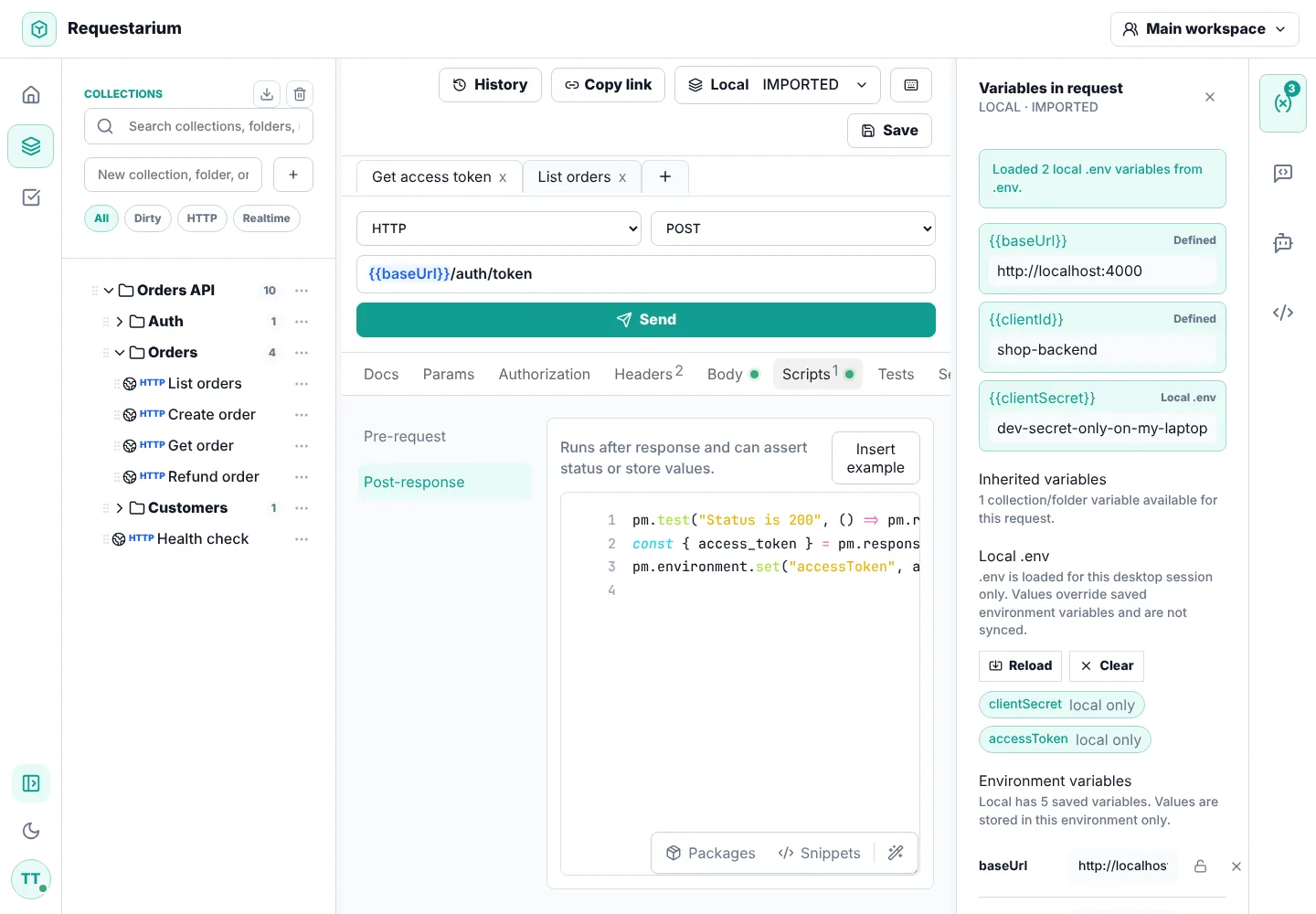
You don't need to memorize the list. The editor's variable suggestions include them, and the request's Variables panel marks every dynamic variable a request uses as built-in.
Tips
- Use them for uniqueness, not for logic. If a test needs to check the value later, store it first (see above).
- Don't use random data in assertions you can't reproduce. A test that fails only for some random names is hard to debug. Log the value with
console.logso you can see it in the run output. - For many specific cases, a data file beats random data: Data-driven API tests with CSV and JSON files.