How to move Hoppscotch collections to Requestarium

Hoppscotch is a fast way to fire off a request from the browser. When a team starts to rely on the same requests every day, though, it usually wants more structure: shared environments with secret values, a CLI that runs collections in CI, run history and mock servers. Here is how to bring a Hoppscotch setup over.
What carries over
| Hoppscotch | In Requestarium |
|---|---|
| One collection, or Export all | One collection, or one per exported collection |
| Folders, REST and GraphQL requests | The same folders and requests |
| Auth and variables | The same auth and variables |
pw.* and common hopp.* script calls | Converted to the pm API |
| Environment files | Environments. <<var>> becomes {{var}} |
OAuth 2.0 and digest auth, file and binary bodies, and script calls without a counterpart are listed in the import preview.
Step 1: Export from Hoppscotch
In Hoppscotch, open Collections, open the menu of one collection (or the top-level menu for all of them) and export it as JSON. Then open Environments and export those as JSON too.
Step 2: Import
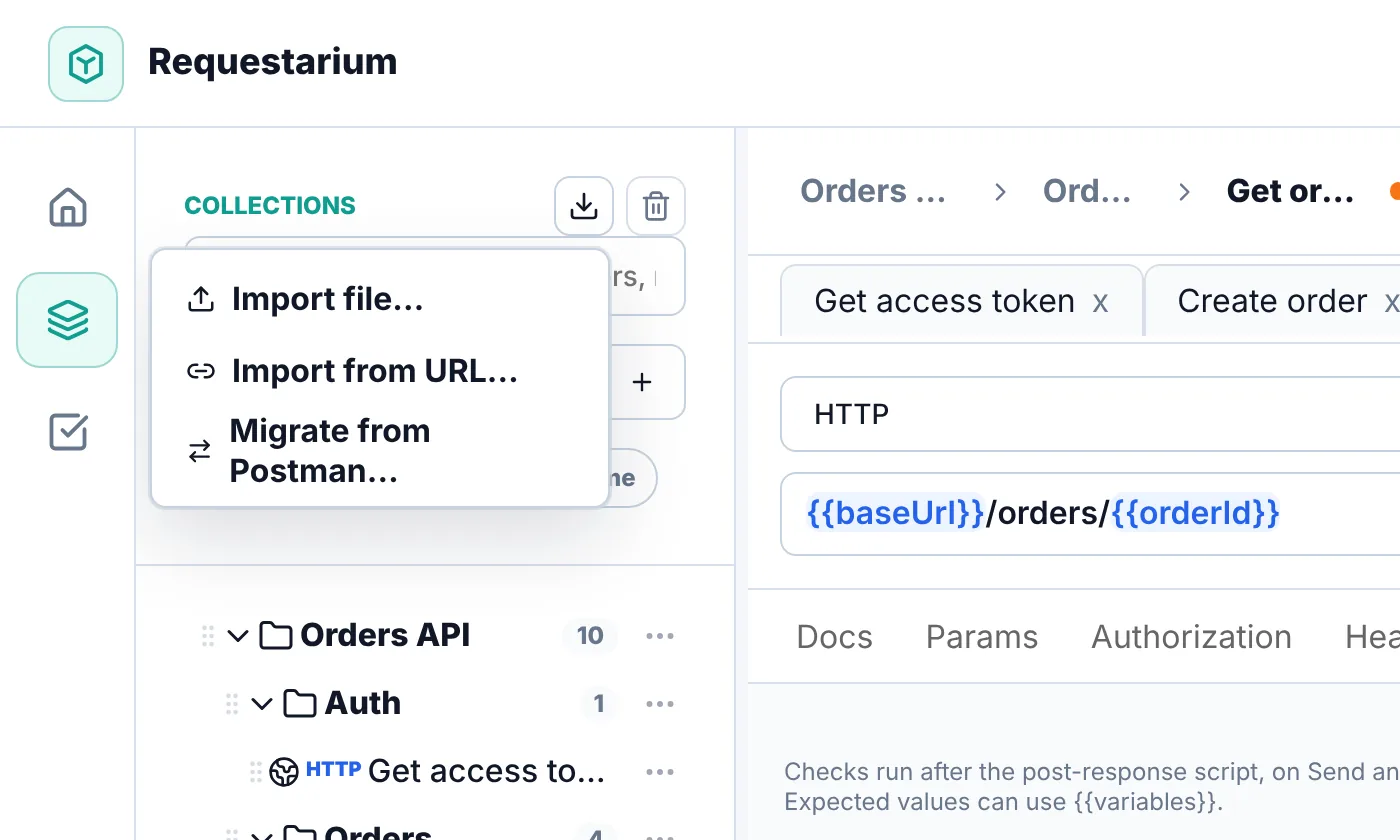
In Requestarium, use Import → Import file… in the Collections sidebar for both files. The format is detected automatically. Environment files become environments, and every <<variable>> in your requests is rewritten to the {{variable}} syntax Requestarium (and most other tools) use.
From a terminal:
npm install -g @requestarium/cli
requestarium login
requestarium import ./hoppscotch-collections.json --dry-run
requestarium import ./hoppscotch-collections.json
requestarium import ./hoppscotch-environments.json --environments-only --name "Billing API"
Step 3: Check the scripts
Hoppscotch scripts use pw. The import rewrites them:
// Hoppscotch
pw.test('Status code is 200', () => {
  pw.expect(pw.response.status).toBe(200);
});
pw.env.set('orderId', pw.response.body.id);pw.env.*, pw.test and status code checks are converted directly. pw.expect matchers and the response body and headers run through a compatibility layer, so most tests keep passing without changes. Anything else is listed in the preview's Scripts section, with the original kept as a comment in the converted script.
Step 4: Run once
Open the collection's Runs tab and click Run collection, or:
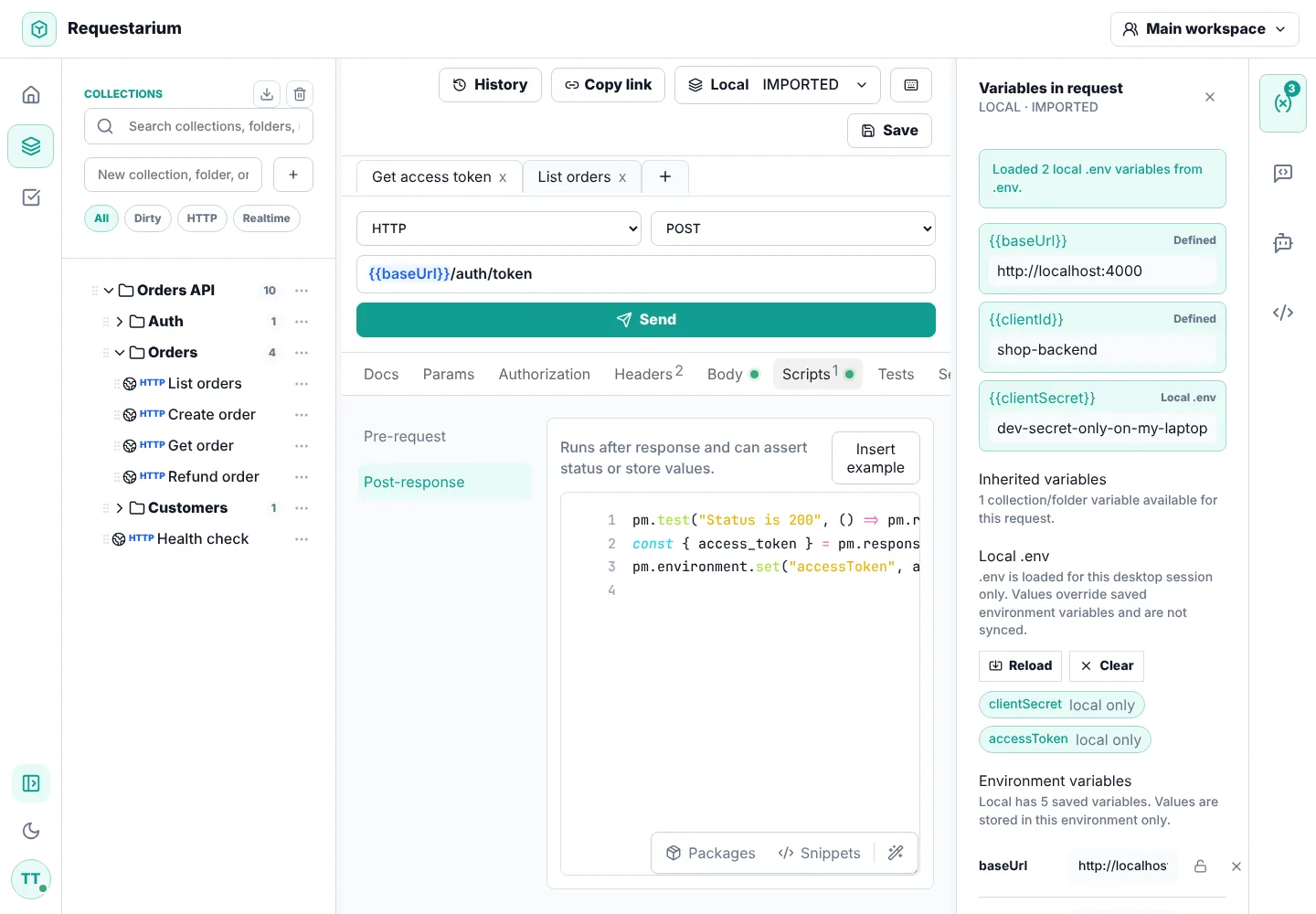
requestarium run-collection "Billing API" --env StagingIf something fails, it's usually a variable that needs a value: the request's Variables panel shows which ones are missing.
Headers shared across a collection
Hoppscotch lets a collection or folder define headers for every request inside it. Requestarium has no shared headers, so the import copies them onto each request. If you'd rather keep one place for them, set them in a collection-level pre-request script:
pm.request.headers.set('X-Tenant', pm.variables.get('tenant'));Next steps
- Run the collection on every pull request: How to run API tests in GitHub Actions.
- Turn saved responses into a hosted mock API: Mock servers.
- See what's included in each plan: pricing.