A mock API for frontend development, from requests you already have

The backend team says the new endpoint will be ready "end of next week". The frontend team can wait, or it can build against something that answers the same way the real API will. A mock server is that something: a URL that returns realistic responses for the endpoints you've agreed on.
In Requestarium, a mock server is built from the requests in a collection and the example responses saved on them. No separate mock definitions, no extra tool.
Step 1: Save example responses
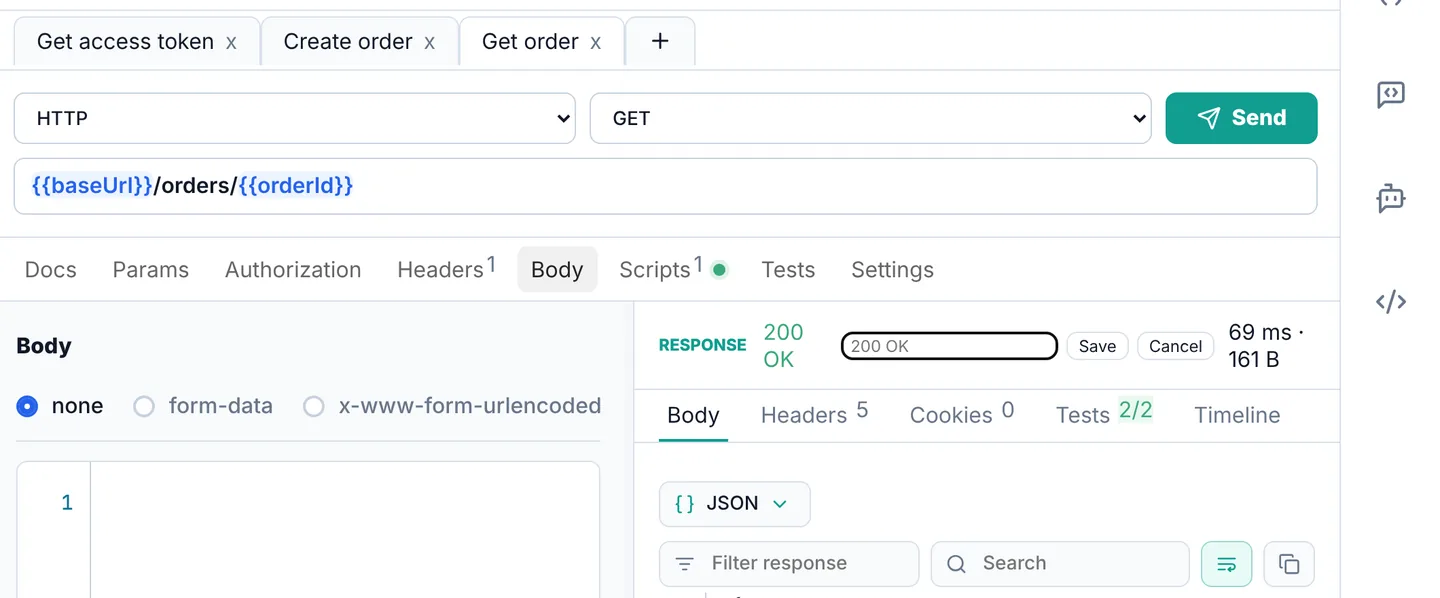
For an endpoint that already exists, even in a rough first version on someone's laptop, send the request and click Save as example in the response header. The status, body and relevant headers are saved. A request can hold up to 20 examples.
For an endpoint that doesn't exist yet, start from the API design. If the backend team writes an OpenAPI spec first, put the agreed response bodies in its examples and import it: every response example becomes a saved example you can mock right away. Postman collections with saved responses work the same way.
responses:
  '200':
    content:
      application/json:
        example:
          id: ord_123
          status: open
          items: [{ sku: A-100, qty: 1 }]
          total: 49.9
Step 2: Create the mock server
Open the collection, go to Mocks and click Create mock server. You get a URL like:
https://mock.requestarium.com/m_8f3k2x9q1z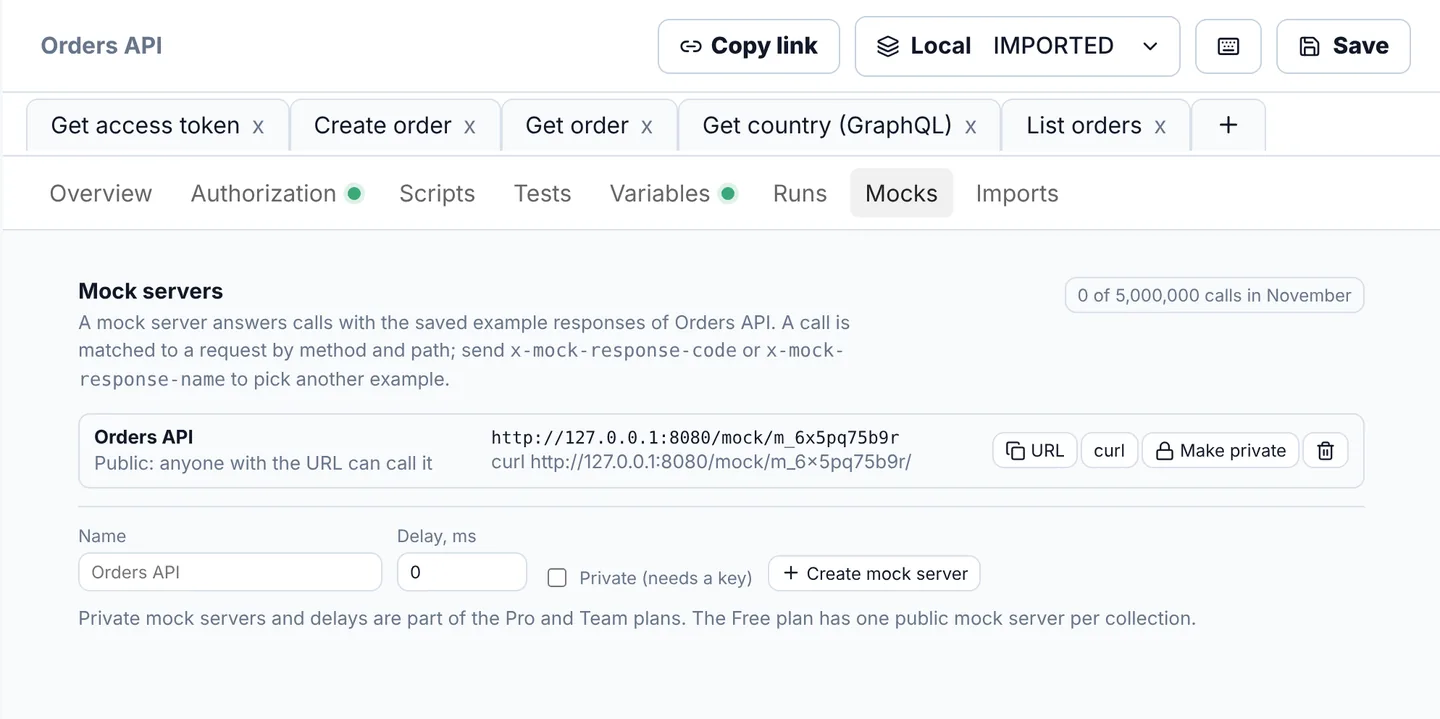
Step 3: Point the frontend at it
# .env.development
VITE_API_URL=https://mock.requestarium.com/m_8f3k2x9q1z
Calls are matched to requests by method and path:
| Request in the collection | Matches calls like |
|---|---|
{{baseUrl}}/orders/:id | GET /orders/ord_123, GET /orders/anything |
{{baseUrl}}/users/{id}/orders | GET /users/42/orders |
{{baseUrl}}/users/me | GET /users/me. A fixed segment wins over a parameter |
It works from a browser
Mock servers answer any origin (CORS is open), so a dev server on localhost:5173 can call them directly, with no proxy config. Responses never set cookies and carry Content-Security-Policy: sandbox, so a mock can't be used to attack your app.
Switching to the real API
When the backend ships, change one variable: VITE_API_URL points at staging. Because the mock was built from the same collection the backend team tests with, the paths and shapes match. If they don't, you find out from a failing test in that collection, not from the frontend.
Keep everyone honest
The examples in the collection are now a contract between frontend and backend. Two habits make it stick:
- Add a test to the real request that checks the fields the frontend relies on. See API assertions without writing code, including JSON Schema.
- Run the collection in CI. If the backend changes a field name, the build fails before the frontend breaks. See How to run API tests in GitHub Actions.
Plans
| Plan | Calls per month | Mock servers per collection |
|---|---|---|
| Free | 10,000 | 1 |
| Pro | 500,000 | unlimited |
| Team | 5,000,000 | unlimited |
Pro and Team can also make a mock private (calls need an x-api-key header) and add response delays. Self-hosted installations serve mocks from their own API host.