Set a performance budget for your API tests with p95

Most API test suites check one thing: does the endpoint return the right answer? That misses a whole class of regressions. A new N+1 query, a missing index or a chatty dependency can turn a 120 ms endpoint into a 900 ms one, and every test stays green.
A performance budget fixes that. You decide how fast the API should be, and the build fails when it isn't.
Why p95 and not the average
Say a collection makes 20 requests. 19 take about 100 ms and one takes 3 seconds. The average is about 245 ms, which looks fine and hides the problem completely. Or the opposite: one cold-start request at 2 seconds drags the average up and fails a build that was actually healthy.
The 95th percentile (p95) is the time that 95% of requests are faster than. It ignores the odd outlier, but it moves as soon as a meaningful share of requests get slower. It's the number most teams use for latency targets, and it's a good fit for a CI gate.
Add the gate
requestarium run-collection "Orders API" --env Staging --max-p95 800The run fails if the 95th percentile request time is above 800 ms, in addition to failing on broken requests and failed tests. The exit code is 1 either way, so CI treats it like any other failure.
How to pick the number:
- Run the collection a few times without a gate and look at the timing in the summary or the
--htmlreport. - Set the budget comfortably above what you see today, say 1.5 times. The goal is to catch regressions, not to fail on noise.
- Tighten it as you fix slow endpoints.
Measure against a realistic environment
Timings are only meaningful against something close to production. Run the budget against staging rather than a local docker-compose, and run it from CI rather than a laptop on hotel Wi-Fi. A scheduled nightly run is a good home for it, because it isn't competing with a deploy:
on:
  schedule:
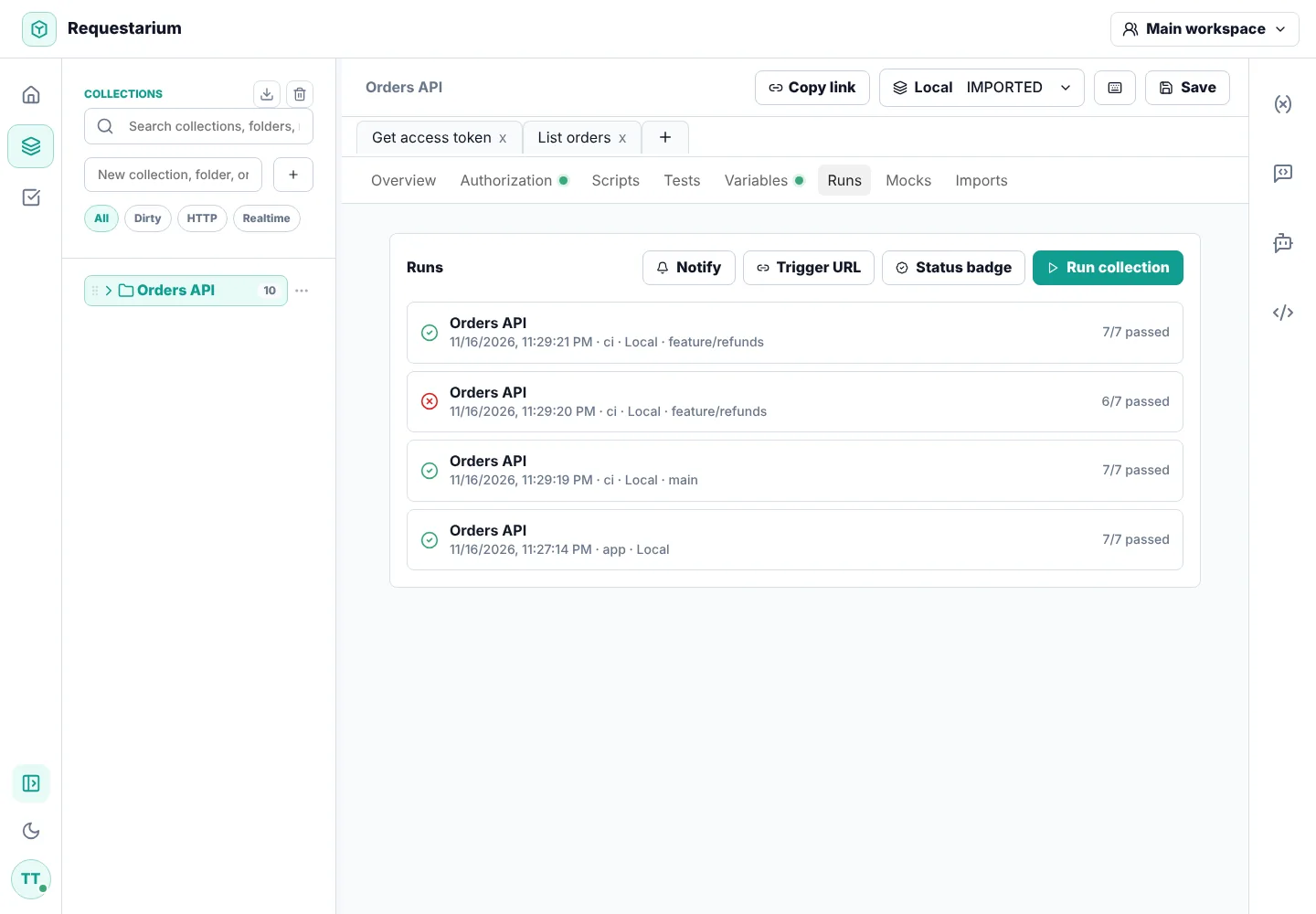
- cron: '0 3 * * *'requestarium run-collection "Orders API" --env Staging --max-p95 800 --save-runWith --save-run, every run's timing lands in the collection's history in Requestarium, so you can see when an endpoint started getting slower and which commit it was.
Combine it with a pass rate
On a shared staging environment, one request occasionally fails for reasons that have nothing to do with your change. --min-pass-rate lets you fail the run only when too many requests fail:
requestarium run-collection "Orders API" --env Staging --max-p95 800 --min-pass-rate 98With --min-pass-rate, a single failed request no longer fails the run on its own; the run fails when fewer than 98% of requests pass, or when p95 is over budget. More on that in How to deal with flaky API tests.
Test suites keep the budget with the tests
If you use test suites from the app's Tests section, the gates can travel with the suite:
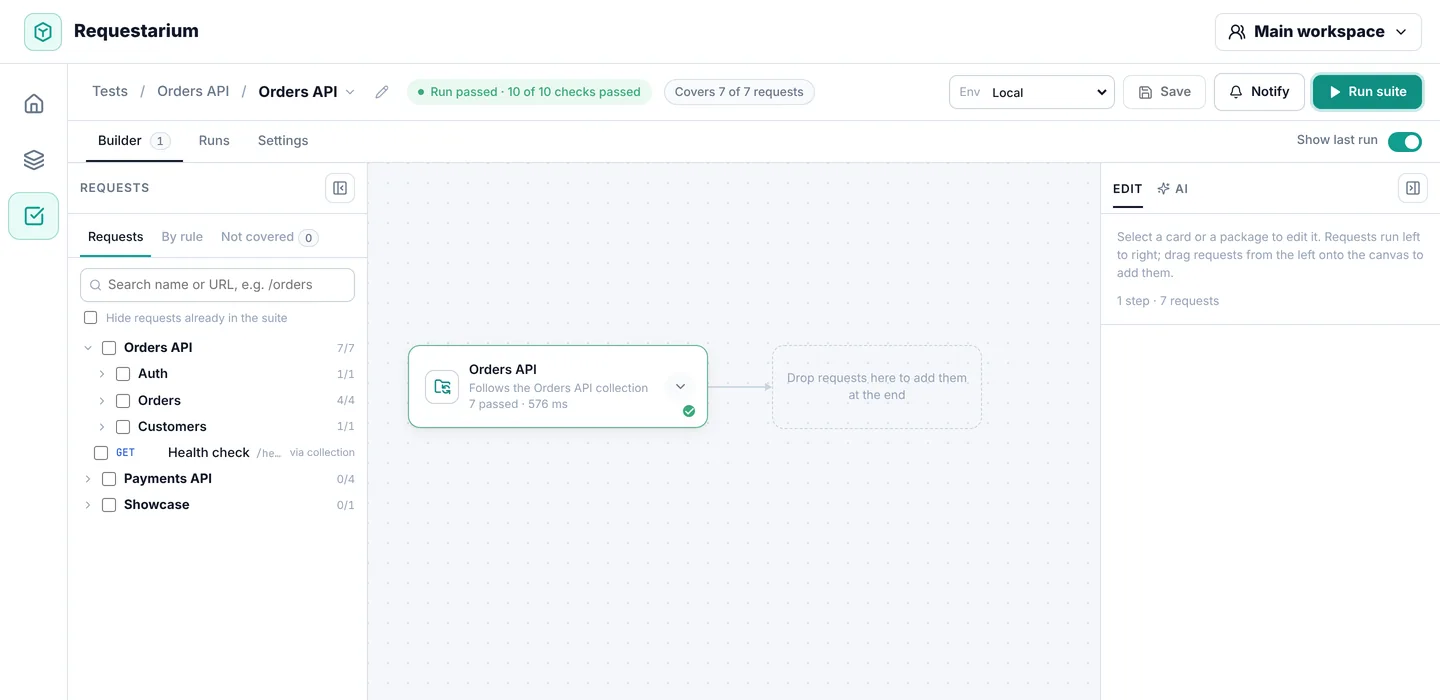
requestarium run --suite "Checkout/Smoke" --env Staging --max-p95 800 --min-pass-rate 98 --save-run