How to run API tests in Bitbucket Pipelines

Bitbucket Pipelines picks up JUnit test reports automatically and shows them on the pipeline's Tests tab. Pair that with the Requestarium CLI and the API collections your team already uses become a check on every pull request.
Before you start
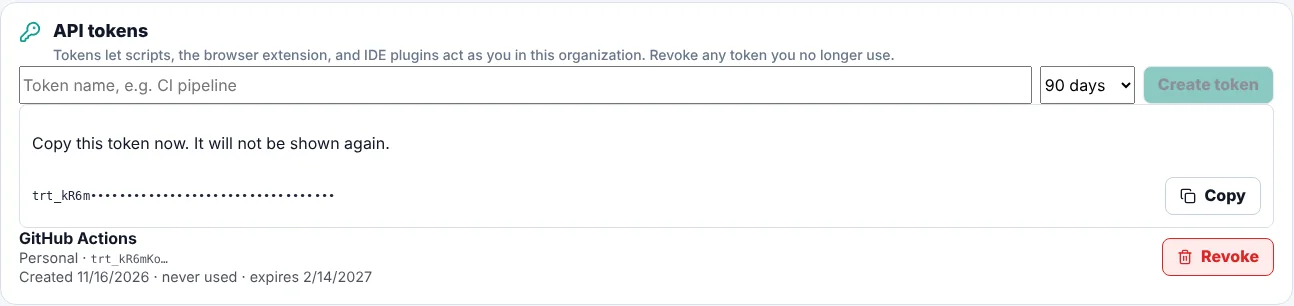
- Create an API token for CI in Requestarium: Settings → API tokens. It starts with
trt_. - In Bitbucket, open Repository settings → Repository variables and add
REQUESTARIUM_TOKENas a Secured variable. Add any keys your requests need the same way, for exampleSTAGING_API_KEY.
The pipeline
image: node:22

pipelines:
  pull-requests:
    '**':
      - step:
          name: API tests
          script:
            - npm install -g @requestarium/cli
            - requestarium run-collection "Orders API" --env Staging
                --env-var API_KEY=STAGING_API_KEY
                --junit test-results/requestarium.xml --save-run
  branches:
    main:
      - step:
          name: API tests (full)
          script:
            - npm install -g @requestarium/cli
            - requestarium run-collection "Orders API" --env Staging --retries 2
                --junit test-results/requestarium.xml --html report.html --save-run
          artifacts:
            - report.html
A few notes:
- Test reports. Bitbucket looks for JUnit XML in directories such as
test-results, so writing the report there is enough for the Tests tab. Eachpm.testshows up as a test case, and a request without tests gets one case that checks the status is below 400. - Secrets.
--env-var API_KEY=STAGING_API_KEYreads the secured variable into{{API_KEY}}. The value is masked in reports, and the run stops if the variable isn't set. - History.
--save-runrecords the run in Requestarium with the branch, commit and a link to the pipeline, so failures from CI and from developers' machines show up in one place. - Exit code. The CLI exits with 1 when a request fails, errors or has a failed test, and the step fails with it.
Report failures to Jira automatically
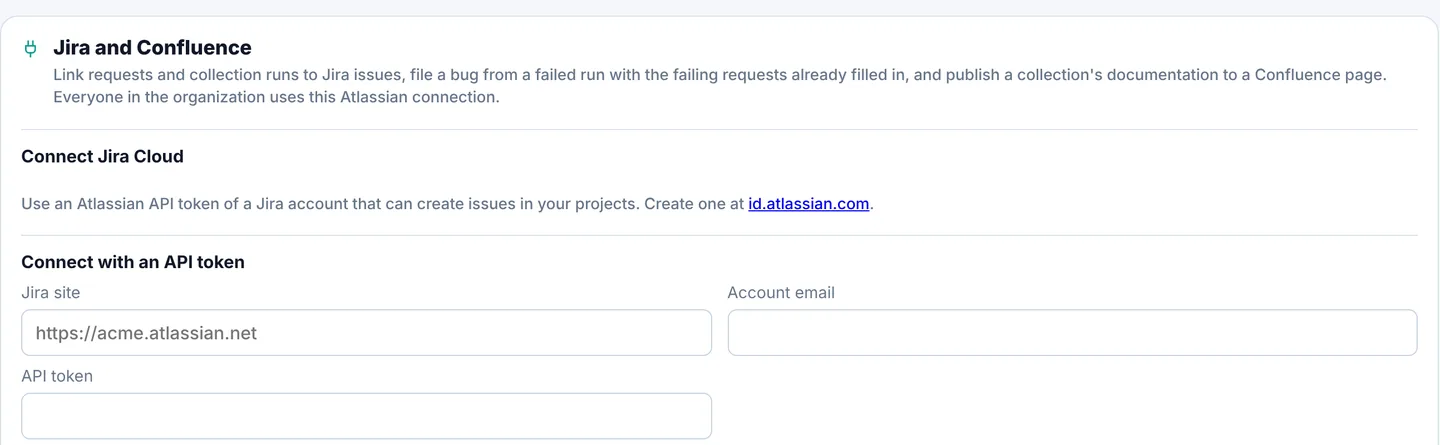
Bitbucket teams usually live in Jira. With the Jira integration connected (Pro and Team plans), a failed run can file an issue, or comment on the open one, instead of waiting for someone to notice:
requestarium run-collection "Orders API" --env Staging --jira-on-failure OPSA collection that keeps failing doesn't open a new issue every time: the next failure on the same branch adds a comment to the issue that's still open. Details in File Jira issues from failed API tests.
Scheduled runs
In Bitbucket, Pipelines → Schedules runs a branch's pipeline on a schedule. Combine it with a custom pipeline for a nightly regression run:
pipelines:
  custom:
    nightly-api:
      - step:
          script:
            - npm install -g @requestarium/cli
            - requestarium run-collection "Orders API" --env Staging --save-run --max-p95 800
Keep the collection in Git too
If you'd like the collection itself to live in the same repository, Requestarium can sync a collection with Bitbucket as plain YAML files, one per request, with Push and Pull from the app.