How to run API tests in GitLab CI

GitLab has good built-in support for test reports: give it a JUnit file and it shows passed and failed tests right on the merge request. That makes it a natural place to run API tests. This guide sets up the Requestarium CLI in GitLab CI so the collections your team already maintains run on every merge request.
Before you start
- A collection with some
pm.testchecks, and an environment such asStaging. - An API token for CI, from Settings → API tokens in the app (it starts with
trt_). Use a dedicated one so you can revoke it on its own.
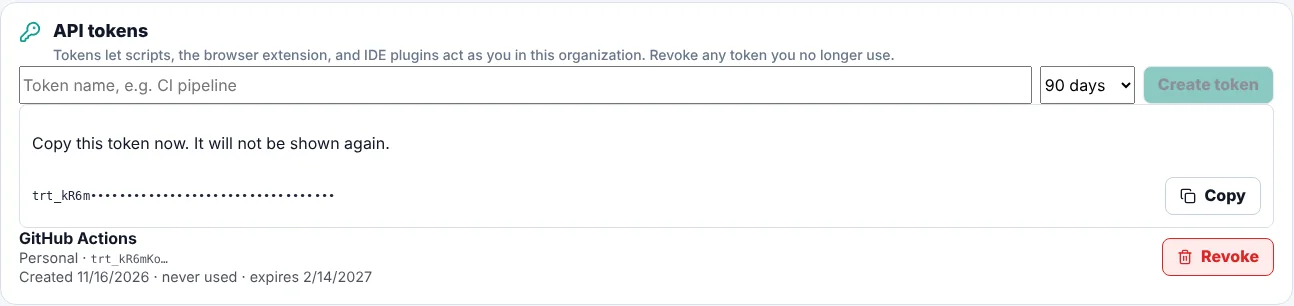
In GitLab, open Settings → CI/CD → Variables and add:
| Key | Value | Options |
|---|---|---|
REQUESTARIUM_TOKEN | your trt_… token | Masked |
STAGING_API_KEY | the API key your requests need | Masked |
The pipeline
Add a job to .gitlab-ci.yml:
api-tests:
  image: node:22
  stage: test
  script:
    - npm install -g @requestarium/cli
    - requestarium run-collection "Orders API" --env Staging
        --env-var API_KEY=STAGING_API_KEY
        --junit results.xml --html report.html --save-run
  artifacts:
    when: always
    paths:
      - results.xml
      - report.html
    reports:
      junit: results.xml
What each part does:
REQUESTARIUM_TOKENis picked up from the environment, so nologinstep is needed.--env-var API_KEY=STAGING_API_KEYreads the GitLab variableSTAGING_API_KEYinto the collection variable{{API_KEY}}. It is masked in every report, and the run stops if the variable is missing.reports: junitmakes GitLab show the results in the merge request's test summary. Eachpm.testis one test case.when: alwayskeeps the reports even when the job fails, which is exactly when you need them.--save-runstores the run in the collection's history in Requestarium, with the branch, the commit and a link to the GitLab job.
The CLI exits with code 1 when any request fails, errors or has a failed test, so the job, and the merge request, go red.
Run only what matters on merge requests
A full regression run can be slow. Run a smoke folder on merge requests and everything on the default branch:
api-smoke:
  image: node:22
  rules:
    - if: $CI_PIPELINE_SOURCE == "merge_request_event"
  script:
    - npm install -g @requestarium/cli
    - requestarium run-collection "Orders API" --folder Smoke --env Staging --bail --junit results.xml
  artifacts:
    when: always
    reports:
      junit: results.xml

api-full:
  image: node:22
  rules:
    - if: $CI_COMMIT_BRANCH == $CI_DEFAULT_BRANCH
  script:
    - npm install -g @requestarium/cli
    - requestarium run-collection "Orders API" --env Staging --retries 2 --junit results.xml --save-run
  artifacts:
    when: always
    reports:
junit: results.xmlNightly runs with a schedule
Under Build → Pipeline schedules, create a schedule (for example every night at 03:00). Then run a job only for scheduled pipelines:
api-nightly:
  image: node:22
  rules:
    - if: $CI_PIPELINE_SOURCE == "schedule"
  script:
    - npm install -g @requestarium/cli
    - requestarium run-collection "Orders API" --env Staging --save-run --max-p95 800
--max-p95 800 also fails the run when the 95th percentile response time goes above 800 ms. See Set a performance budget for your API tests.
Look at the history
Because each run is saved, the collection's run history in the app shows GitLab runs next to runs from developers' laptops. From a terminal:
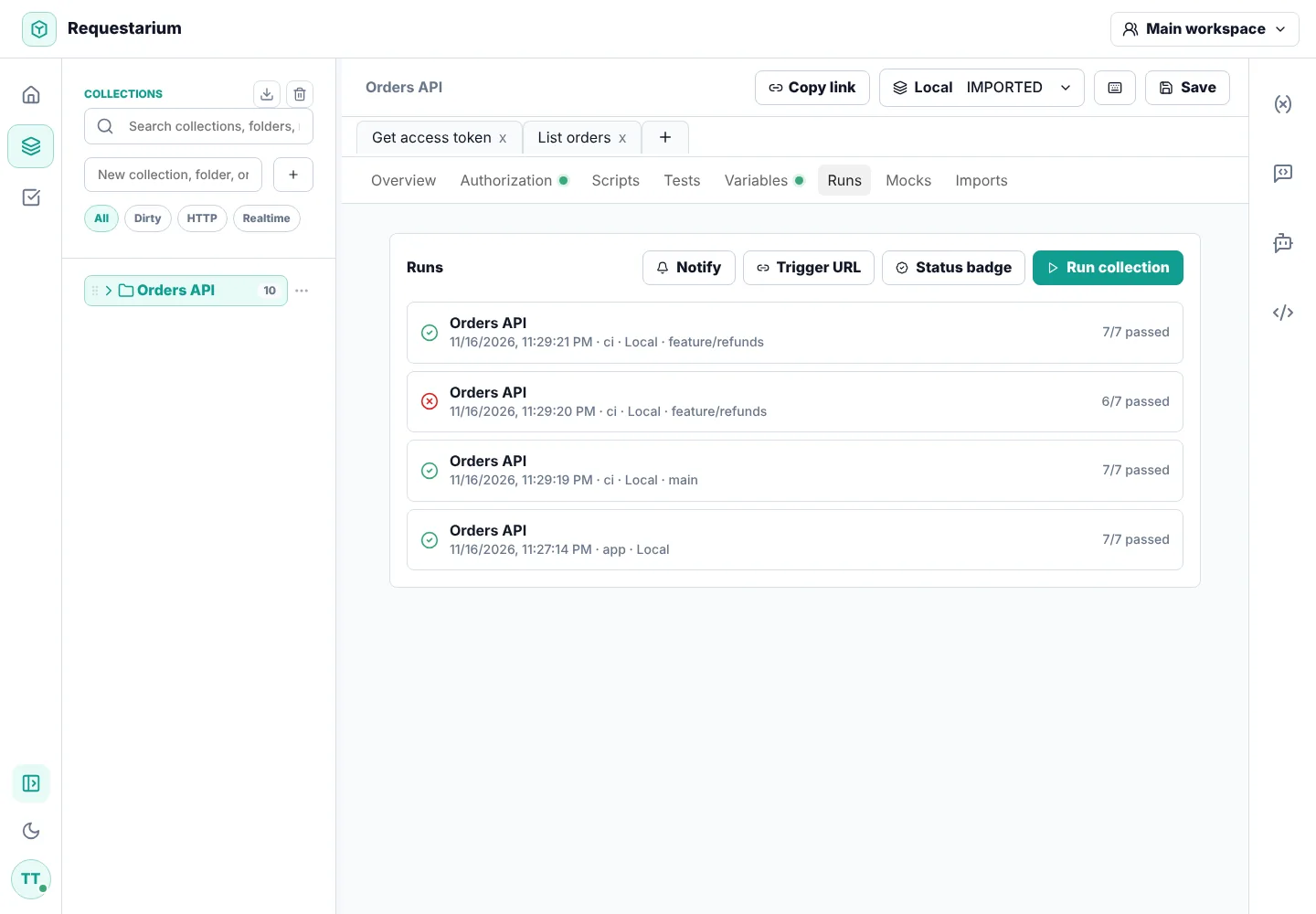
requestarium runs "Orders API"