How to run API tests in CircleCI

CircleCI shows test results per job and tracks slow and flaky tests over time, as long as you give it JUnit XML. The Requestarium CLI writes exactly that from your saved API collections, so API tests can sit in the same dashboard as everything else.
Before you start
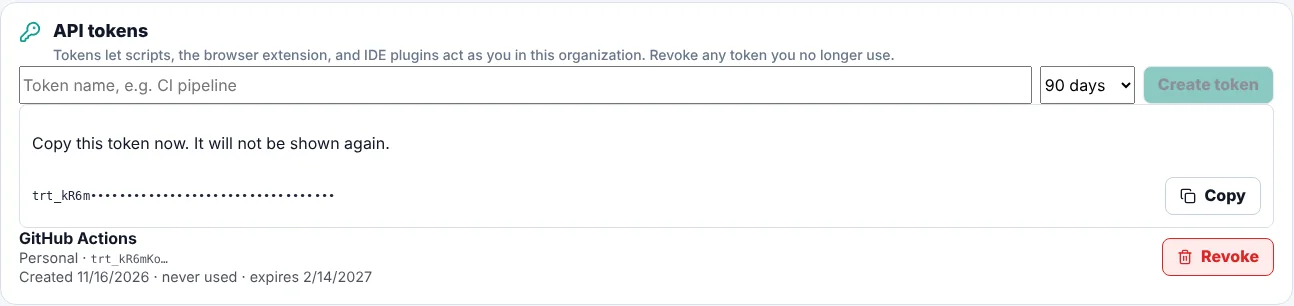
- In Requestarium, create an API token under Settings → API tokens (it starts with
trt_). - In CircleCI, open Project Settings → Environment Variables (or a shared Context) and add
REQUESTARIUM_TOKEN, plus any key your requests need, such asSTAGING_API_KEY.
The config
.circleci/config.yml:
version: 2.1

jobs:
  api-tests:
    docker:
      - image: cimg/node:22.11
    steps:
      - run:
          name: Install the Requestarium CLI
          command: npm install -g @requestarium/cli
      - run:
          name: Run API tests
          command: |
            mkdir -p test-results
            requestarium run-collection "Orders API" --env Staging \
              --env-var API_KEY=STAGING_API_KEY \
              --junit test-results/api.xml --html test-results/report.html --save-run
      - store_test_results:
          path: test-results
      - store_artifacts:
          path: test-results/report.html

workflows:
  build:
    jobs:
      - api-tests
What each part does:
- The CLI reads
REQUESTARIUM_TOKENfrom the environment, so no login step is needed. --env-var API_KEY=STAGING_API_KEYmaps the CircleCI variable to{{API_KEY}}in your requests and masks it in reports.store_test_resultsfeeds the Tests tab. Everypm.testis a test case, and a request that couldn't be sent at all shows up as an error.store_artifactskeeps the HTML report: totals, then every request with its tests, headers and response, with failures expanded.--save-runstores the run in Requestarium with the branch, commit and a link to the CircleCI job.
Nightly runs
Add a scheduled trigger in Project Settings → Triggers, or a scheduled workflow, and run the full collection with a performance budget:
requestarium run-collection "Orders API" --env Staging --max-p95 800 --retries 2 --save-run--retries 2 resends requests that fail with a 502, 503 or 504, with exponential backoff, so a deploy in progress on staging doesn't fail the night's run. More in How to deal with flaky API tests.
Run many inputs
CircleCI is often used for broad regression runs. Run a collection once per row of a CSV file:
requestarium run-collection "Users API" --env Staging --data tests/users.csv --junit test-results/api.xmlSee Data-driven API tests with CSV and JSON files.