How to run API tests in Azure Pipelines

Azure DevOps teams get a full test results view for free, as long as the pipeline publishes JUnit. This guide runs saved API collections in Azure Pipelines with the Requestarium CLI and covers the one thing that trips everyone up: secret variables.
Before you start
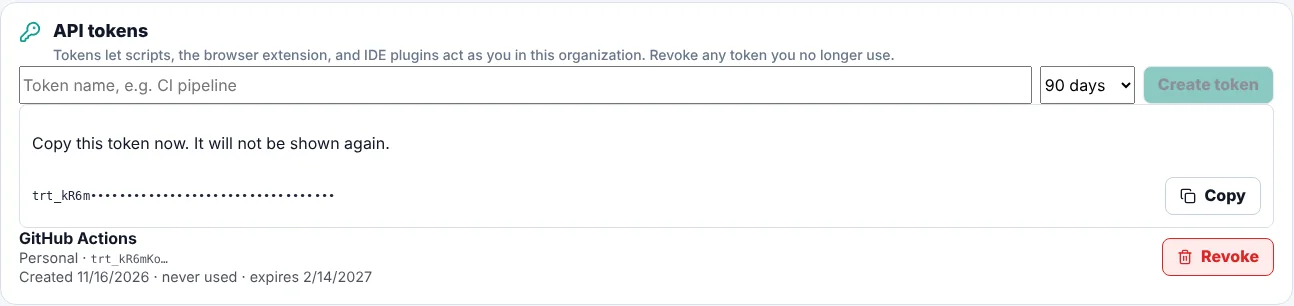
- Create an API token for CI in Requestarium: Settings → API tokens (it starts with
trt_). - In Azure DevOps, open the pipeline, click Variables and add
REQUESTARIUM_TOKENand, for example,STAGING_API_KEY. Tick Keep this value secret for both. (A variable group works too.)
The pipeline
azure-pipelines.yml:
trigger:
  - main

pool:
  vmImage: ubuntu-latest

steps:
  - task: NodeTool@0
    inputs:
      versionSpec: '22.x'

  - script: npm install -g @requestarium/cli
    displayName: Install the Requestarium CLI

  - script: |
      requestarium run-collection "Orders API" --env Staging --env-var API_KEY \
        --junit $(Build.ArtifactStagingDirectory)/results.xml --save-run
    displayName: Run API tests
    env:
      REQUESTARIUM_TOKEN: $(REQUESTARIUM_TOKEN)
      API_KEY: $(STAGING_API_KEY)

  - task: PublishTestResults@2
    condition: always()
    inputs:
      testResultsFormat: JUnit
      testResultsFiles: '$(Build.ArtifactStagingDirectory)/results.xml'
      testRunTitle: API tests
The secret variable gotcha
Map each secret explicitly, as shown. The CLI then:
- uses
REQUESTARIUM_TOKENto sign in, with no login step; - reads
API_KEYwith--env-var API_KEYand makes it{{API_KEY}}in your requests, masked in every report; - stops before sending anything if a variable passed with
--env-varisn't set.
What you see
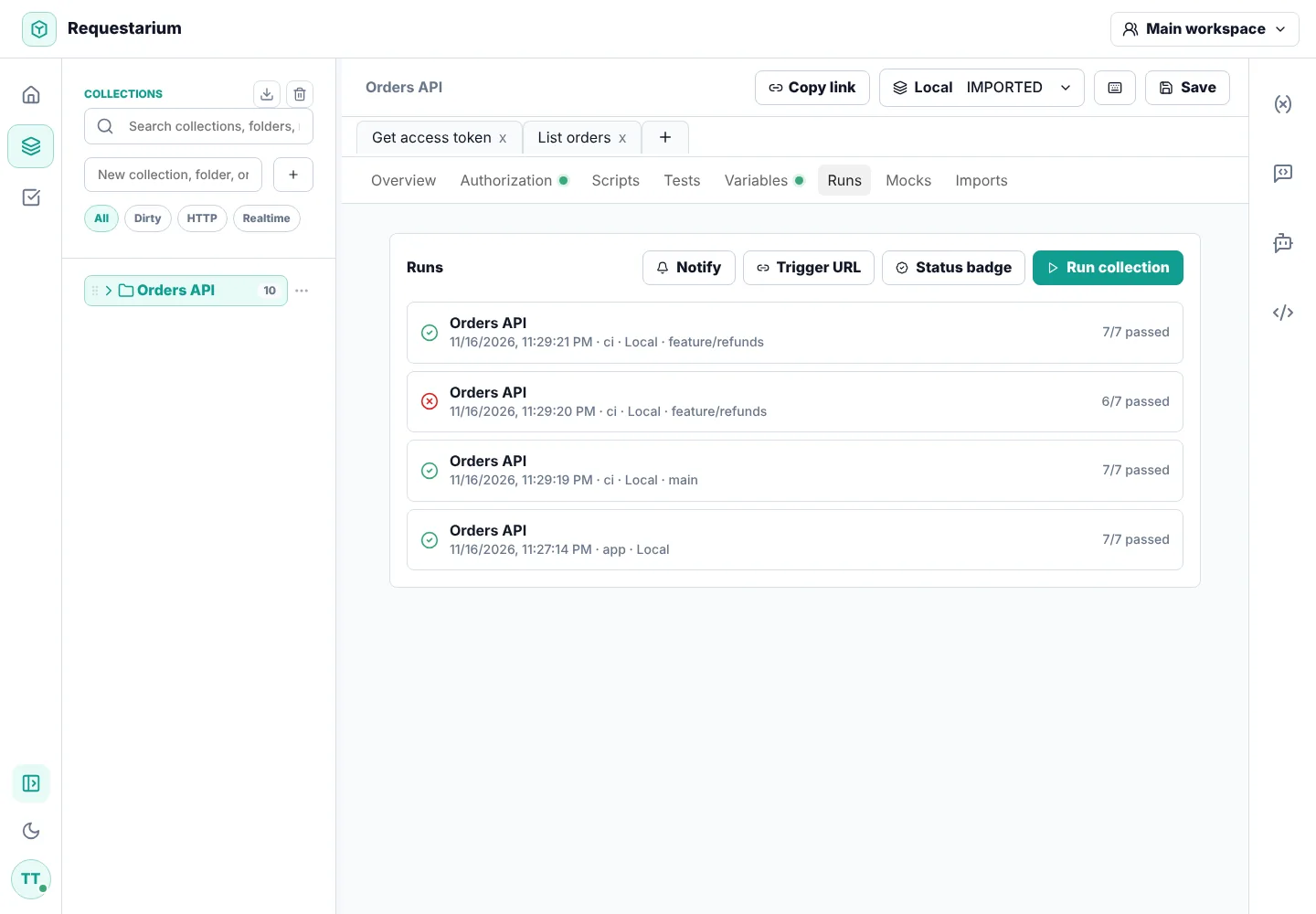
PublishTestResults@2 with condition: always() publishes results even when the tests fail. In the run's Tests tab, each request run is a test suite and each pm.test a test case. --save-run also records the run in Requestarium with the branch, the commit and a link back to the Azure Pipelines run.
Secrets straight from Azure Key Vault
If your API keys already live in Azure Key Vault, skip pipeline variables for them entirely. Sign the agent in with the AzureCLI@2 task (or set AZURE_TENANT_ID, AZURE_CLIENT_ID and AZURE_CLIENT_SECRET for a service principal), and point the run at the vault:
requestarium run-collection "Orders API" --env Staging \
  --azure-vault https://orders-staging.vault.azure.net
Every enabled secret in the vault becomes a variable named after it. Key Vault names can't contain _, so a secret called api-key is also available as {{api_key}}. The identity needs the Key Vault Secrets User role. Requestarium never sees your Azure credentials or the secret values. More in Keeping API keys out of your collections.