Keep API collections in Git, next to your code

An API changes in a pull request. The collection that tests it usually doesn't. It lives somewhere else, gets updated later (or never), and nobody reviews the change. Keeping the collection in the same repository as the code fixes that: the new endpoint and the request that tests it ship together and get reviewed together.
Requestarium can sync a collection with a folder in a Git repository, and it's available on every plan.
How it's stored
A synced collection is a folder of plain YAML files, one file per request. That's deliberate:
- Diffs are readable. A changed header is a one-line change in a review, not a re-ordered 4,000-line JSON export.
- Conflicts are rare. Two people editing different requests touch different files.
- It's yours. Plain files in your repository, readable without Requestarium.
Set it up
- On a collection's Overview, click Sync with Git.
- Connect GitHub, GitLab or Bitbucket. Each member connects their own account, so commits are theirs.
- Pick a repository, a branch and a folder, for example
api/collections/orders.
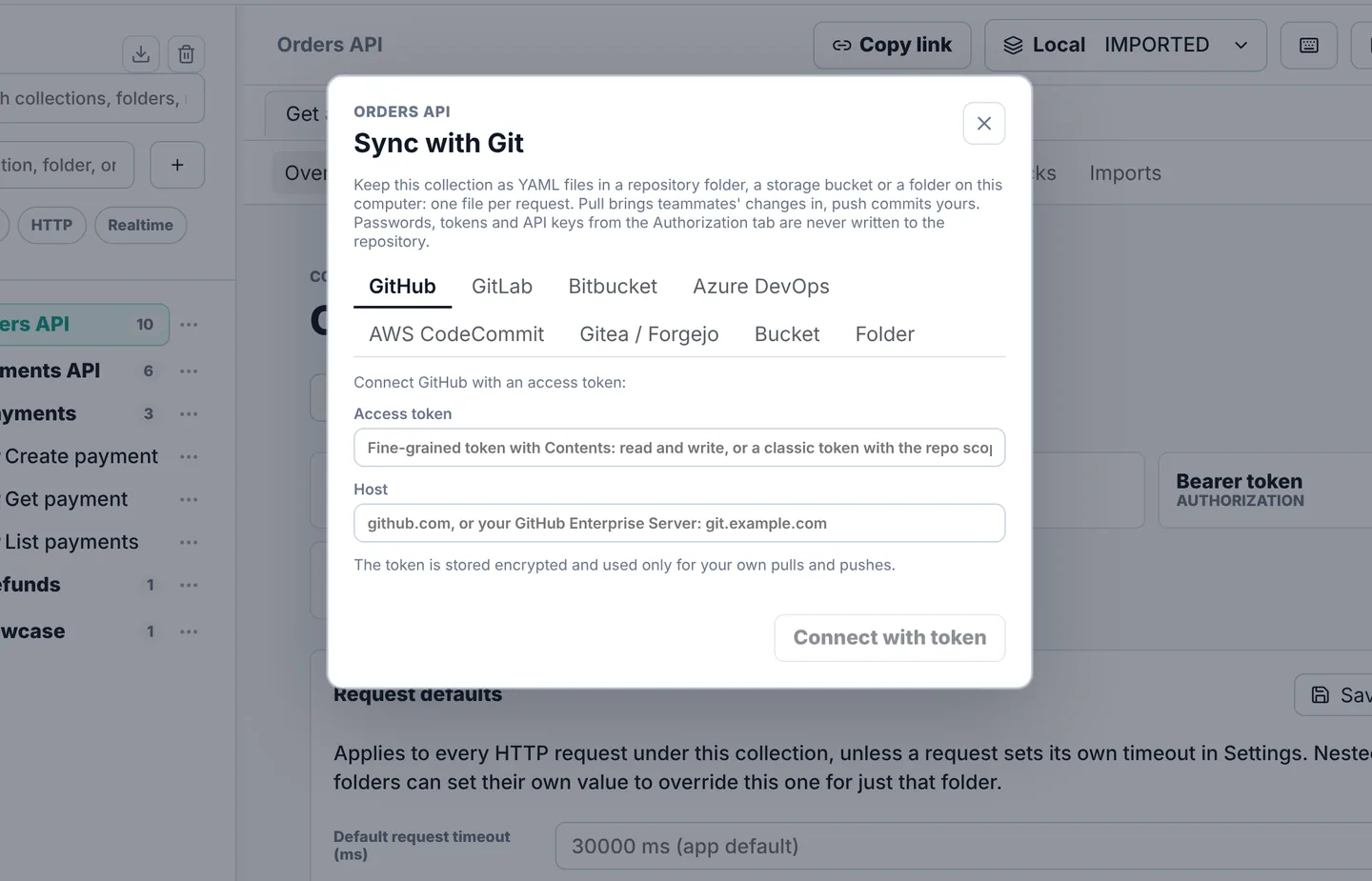
Then:
- Push commits your changes to the branch.
- Pull brings in your teammates' changes.
When both sides changed the same request, Requestarium merges field by field and asks you only about real conflicts. You changed the body and a teammate changed a header? Both changes are kept, no questions asked.
Secrets never reach the repository
A pull request workflow
A typical change:
- A developer adds
POST /orders/{id}/refundon a feature branch. - In Requestarium, they add the Refund order request with a test, and Push to the same branch.
- The pull request now shows the code and the request's YAML file side by side. The reviewer checks both.
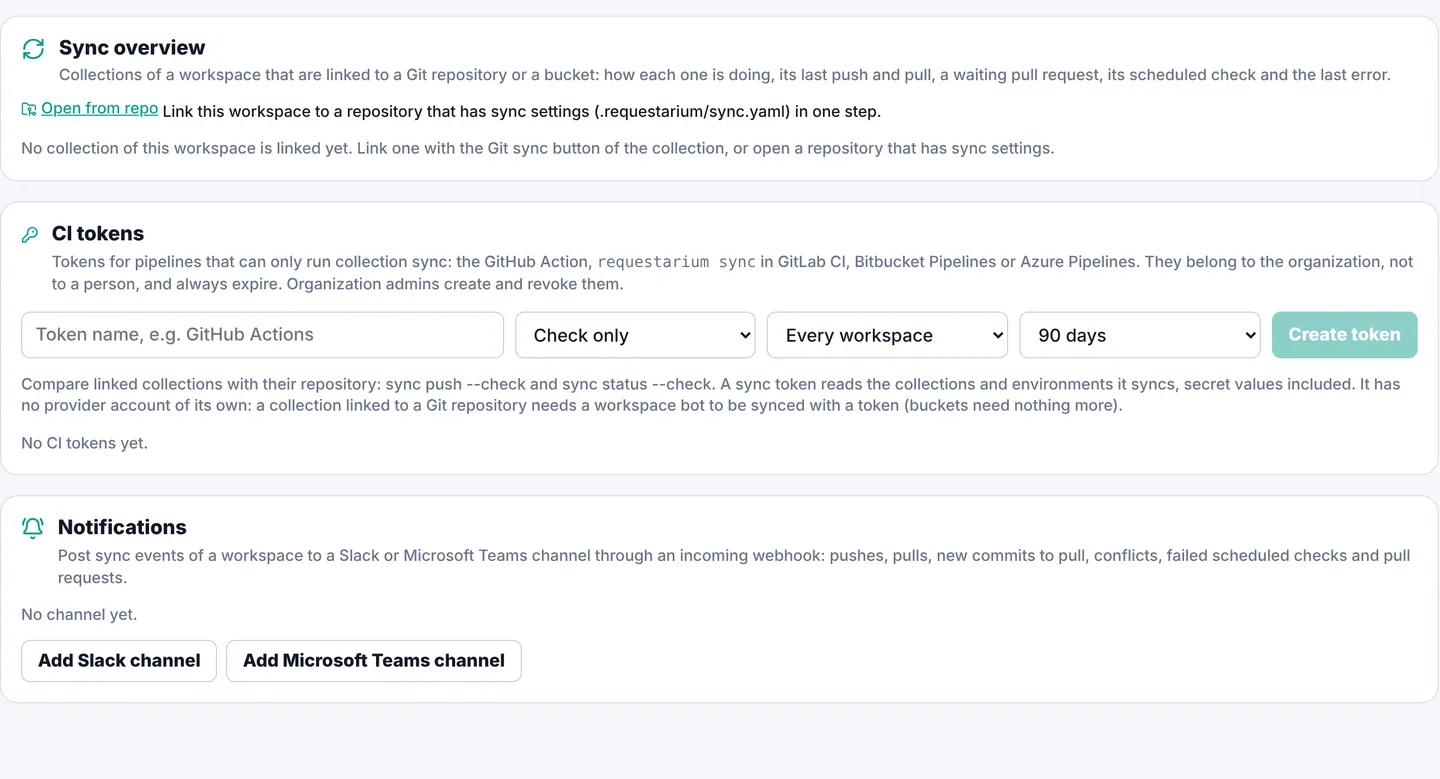
- CI runs the collection against a preview environment with the CLI.
- After merge, the team pulls, and the request is in everyone's collection.
Sync from the command line
The CLI does the same from a terminal or CI:
requestarium sync status "Orders API"      # what a pull and a push would change
requestarium sync pull "Orders API"
requestarium sync push "Orders API" --message "Add refund endpoint"
requestarium sync push --all --check       # CI: exit 1 when something wasn't pushed
A conflict fails the command with exit code 1 and changes nothing, unless you pick --strategy ours or --strategy theirs. push --check in CI is a cheap way to make sure nobody forgot to push the collection with their code. See the CLI reference.
Not on Git? A bucket works too
On the Team and Enterprise plans you can sync to an S3-compatible bucket instead of a repository: Amazon S3, Cloudflare R2, MinIO and others. That suits teams who want versioned backups without pull requests.