JUnit reports for API tests, explained

JUnit XML started as the report format of a Java test framework. Today it's the closest thing CI has to a universal test results format: GitHub test-report actions, GitLab, Jenkins, Azure DevOps, CircleCI and Bitbucket Pipelines all read it. If your API tests can write JUnit, every CI system can show them properly, with pass and fail counts, trends and links to the failing test.
What the format looks like
A JUnit file is a list of test suites, each with test cases. A failed case has a <failure> with a message; a case that couldn't run has an <error>:
<testsuites>
  <testsuite name="Orders API/Create order" tests="2" failures="1" errors="0" time="0.087">
    <testcase name="status is 201" time="0.087"/>
    <testcase name="returns an id" time="0.087">
      <failure message="expected undefined to be a string"/>
    </testcase>
  </testsuite>
</testsuites>
How API tests map onto it
There's no single standard for mapping HTTP requests to JUnit, so it's worth knowing what a tool does. The Requestarium CLI uses this mapping:
| Your collection | JUnit |
|---|---|
| Each request run | A <testsuite> |
Each pm.test in that request's scripts | A <testcase> |
| A request with no tests | One test case that checks the status code is below 400 |
| A request that couldn't be sent (DNS, timeout, TLS) | An <error> |
That last two rules matter. A request with no tests still counts, so a 500 never slips through silently. And "couldn't connect" is reported as an error, not a failure, so you can tell an outage from a regression.
One command, three reports
requestarium run-collection "Orders API" --env Staging \
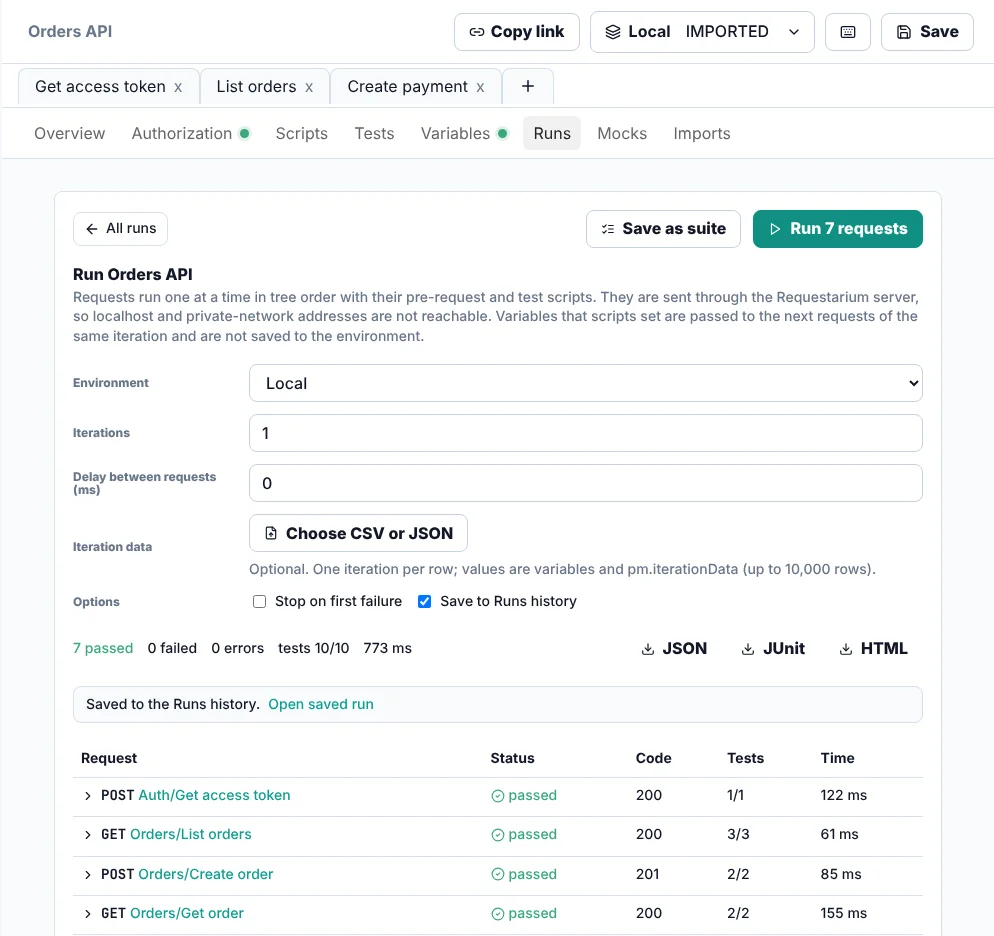
--junit results.xml --html report.html --out report.json--junitfor the CI test view.--htmlfor humans: a self-contained file with totals, then each request with its tests, headers and response. Failed requests start expanded. Upload it as a build artifact.--outfor machines: the full result as JSON, with a versioned schema (schemaVersion: 1), if you want to post-process results or feed a dashboard.
The terminal still prints the summary while all three files are written. Secret values are masked in every report.
Wiring it into CI
Each CI system has its own way to pick up the file:
| CI | How |
|---|---|
| GitHub Actions | A test-report action such as dorny/test-reporter, plus the job summary the CLI writes on its own |
| GitLab CI | artifacts: reports: junit: results.xml |
| Jenkins | junit 'results.xml' in a post { always { … } } block |
| Azure Pipelines | PublishTestResults@2 with testResultsFormat: JUnit |
| CircleCI | store_test_results with the folder that holds the file |
| Bitbucket Pipelines | Write the file to test-results/, which is picked up automatically |
Full examples per platform: GitHub Actions, GitLab CI, Jenkins, Azure Pipelines, CircleCI, Bitbucket Pipelines.
Write tests with good names
The test name is what shows up in your CI, so make it say what broke:
pm.test('Create order returns 201', () => {
  pm.expect(pm.response.code).to.equal(201);
});
pm.test('Create order returns the new order id', () => {
  pm.expect(pm.response.json().id).to.be.a('string');
});
"Create order returns the new order id" in a red row tells the reviewer what happened without opening a log. "test 2" doesn't.
Beyond a single run
A JUnit file describes one run. To see how a collection does over time, across CI and developers' laptops, add --save-run. The run goes into the collection's history in Requestarium with its branch, commit and CI link, and requestarium runs lists them. See CLI reference.